How to download an entire Instagram highlight to your camera roll
Contents
To download an entire Instagram highlight at once, copy the highlight's link, paste it into the storydownload highlights downloader and press Download all as ZIP. You get one file with every story in the highlight, numbered in the order it plays, ready to open on an iPhone, an Android phone or a computer.
Instagram has no button for this. The app lets you save your own stories one at a time from your archive, and it has no save option at all for someone else's highlight. This guide covers both cases, and how to get the stories out of the ZIP and into Photos or your gallery. The account has to be public.
Key takeaways
- One highlight link brings up every story in that highlight, in the order the account arranged them. A username or a profile link will not work, because an account can have many highlights.
- Save stories one by one with their own buttons, or press Download all as ZIP for one file with every story numbered in the order it plays.
- On an iPhone, a single story goes to Photos through Save Image or Save Video. A ZIP opens from the Files app on an iPhone or an Android phone. On a computer, double-click it.
- Photo stories save as JPG and video stories as MP4 with their sound, at the resolution Instagram serves, with no watermark.
- The round cover is not saved on its own. It is usually a crop of one of the stories, and that story comes with the rest, uncropped.
- Public accounts only. For your own highlights on a private account, use Instagram's archive.
How to get an Instagram highlight link
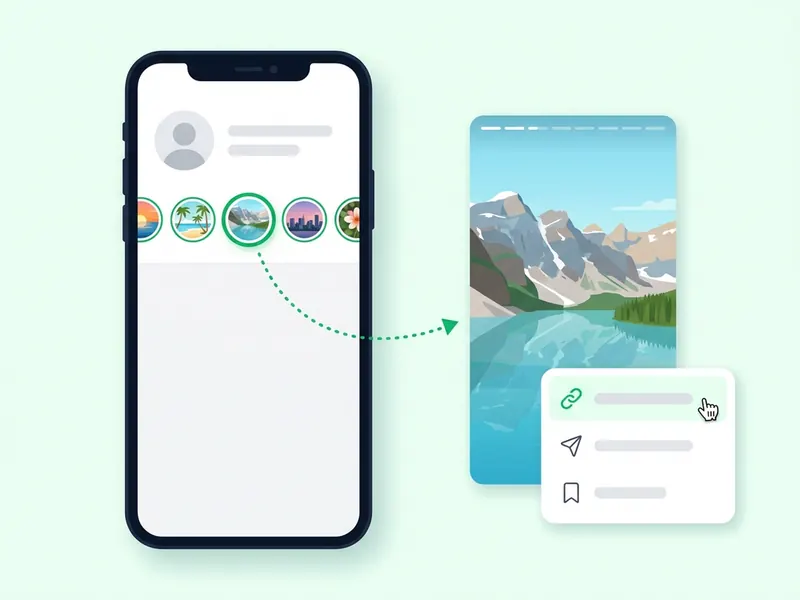
Highlights sit under the bio as round covers. Each cover opens one highlight, and each highlight has its own link. That link is all the downloader needs.
In the app on iPhone or Android:
- Open the profile and tap the highlight's round cover. Its first story starts to play.
- Tap the three dots or the paper plane icon.
- Choose Copy link.
On a computer:
- Open the profile on instagram.com in your browser.
- Click the highlight's round cover.
- Copy the address from the browser bar while the highlight plays.
One thing to know before you tap. Opening a highlight in the Instagram app while you are signed in is a normal view. If a story in it is less than 48 hours old, your name can show on that story's viewer list. After 48 hours, the names are no longer shown, and a highlight does not change that. Can people see if you view their Instagram story? explains the viewer list in full.
How to download a whole Instagram highlight at once
- Copy the highlight link in the app or from the browser bar, as above.
- Open the highlights downloader in Safari, Chrome or any other up-to-date browser.
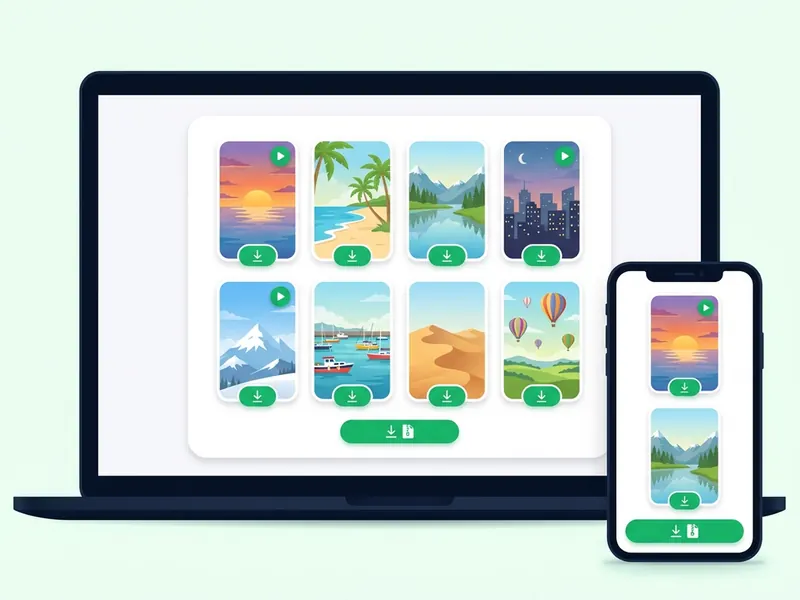
- Paste the link and press Download highlight. Every story in the highlight comes up in the order the account arranged them, each with its own download button.
- Watch first if you like. Videos play on the page, so you can check you have the right highlight before you save anything.
- Press Download all as ZIP. You get one file with every story in it, numbered in the order the highlight plays.
Only want a few? Skip the ZIP and tap the download button under each story you want.
There is no login, no app and no payment. It is free with no daily limit. If you look up a lot of links within one minute, the page asks you to wait up to a minute before the next one. Nobody is told that you saved the highlight, and no copy of the files stays with the site.
One story at a time or the whole highlight as a ZIP
Both give you the same files. The difference is where they land and how many taps it takes.
| One at a time | Download all as ZIP | |
|---|---|---|
| Best for | A few stories from the highlight | The whole highlight, even one with dozens of stories |
| What you get | One JPG or MP4 per tap | One file with every story, numbered in the order it plays |
| iPhone and iPad | Save Image or Save Video puts it straight into Photos | The ZIP opens from the Files app |
| Android | The file goes to Downloads, and your gallery shows it | The ZIP opens from the Files app |
| Windows and Mac | The file goes to Downloads | Double-click the ZIP to open it |
If you want three or four stories in your camera roll, single downloads are quicker on an iPhone. For a long highlight, the ZIP saves you a tap per story and keeps the order.
How to open the ZIP and get the stories into your camera roll
On iPhone and iPad
- Press Download all as ZIP. When the share sheet opens, choose Save to Files and pick a folder you will find again, such as Downloads.
- Open the Files app and tap the ZIP. Files unpacks it into a folder next to it.
- Open that folder. The stories are numbered in the order the highlight plays.
- To put them in Photos, tap Select, choose the stories, tap the share icon and pick the save option. It reads Save Images, Save Videos or Save Items, depending on what you selected.
An iPad works the same way.
On Android
- Press Download all as ZIP. The file goes to your Downloads folder.
- Open your phone's Files app (on many phones it is Files by Google) and tap the ZIP.
- Tap Extract. The photos and videos land in a folder in Downloads, numbered in the order the highlight plays.
- Watch them from there, or find them in your gallery app.
The names differ a little between phone makers, but the steps are the same: find the ZIP in Downloads, open it, extract it.
On Windows and Mac
- Windows: Chrome, Edge and Firefox save the ZIP to your Downloads folder. Double-click it to look inside, or right-click it and choose Extract All to unpack every story into a normal folder.
- Mac: Safari and Chrome save the ZIP to Downloads. Double-click it and macOS unpacks it into a folder next to it, ready to open in Photos or QuickTime. If Safari has already unpacked it for you, you will see the folder instead.
How to save your own Instagram highlights
Which way to go depends on whether your account is public.
Your account is public. Treat your highlight like anyone else's. Copy its link and paste it into the highlights downloader. It is the quickest way to get a whole highlight in one go.
Your account is private. The downloader works with public accounts only, so it cannot load your highlights. Use Instagram's archive instead. Stories you share are saved to your Stories Archive unless you turned it off, and Instagram's archive help page gives these steps:
- Tap Profile or your profile picture in the bottom right.
- Tap Menu in the top right.
- Tap Archive.
- Select the story you want, then tap Options in the bottom right.
- Tap Save photo or Save video.
That is one story per tap, and you have to find each story among all the others in your archive, so a long highlight takes a while. Instagram also warns that some archived stories are changed to save storage: music can be muted and videos or GIFs frozen, mostly on photo stories that use the music or GIF stickers. The changes are permanent, so a copy you save from the archive may come without its music.
For a copy of everything. Instagram can also export a copy of your account information. In Settings, open Accounts Center (some accounts now see Meta Account instead), then Your information and permissions, then Export your information. You choose what to include and the media quality. Instagram says the export link can take up to 30 days, and once it is ready you have 4 days to download it (Review and export a copy of your Instagram information).
Some guides suggest pressing and holding a highlight and choosing Convert to reel. Where your app shows that option, it builds a new reel from the stories for you to post. That is a fresh edit, not a copy of each story.
How to save someone else's Instagram highlight
Instagram has no save option for another account's highlight, so this is where the link and the downloader do the work. Copy the highlight link, paste it into the highlights downloader, then save one story or the whole highlight as a ZIP. The account has to be public.
Saving sends no notification. And because the highlight loads on this site rather than in your Instagram app, your name does not go on any viewer list.
Screen recording is the other route people try. It catches the whole highlight in one video, but you get a recording of your screen, with the app's buttons in it, rather than the original photos and videos. It also means watching the highlight in the app, which counts as a view. Instagram sends no alert when you screenshot a story, as the guide to story screenshots explains.
Whatever you save is for your own use. Reposting someone's stories, music and all, needs their permission.
What about the highlight cover?
The round cover is not saved as a separate file. When owners make a highlight, Instagram asks them to choose a cover photo (Add a story to your Story Highlights). Most covers are a crop of one of the stories in the highlight. The downloader saves that story in full, uncropped, along with the rest.
A cover image that is not one of the stories, such as a plain icon the owner designed, is not part of the download.
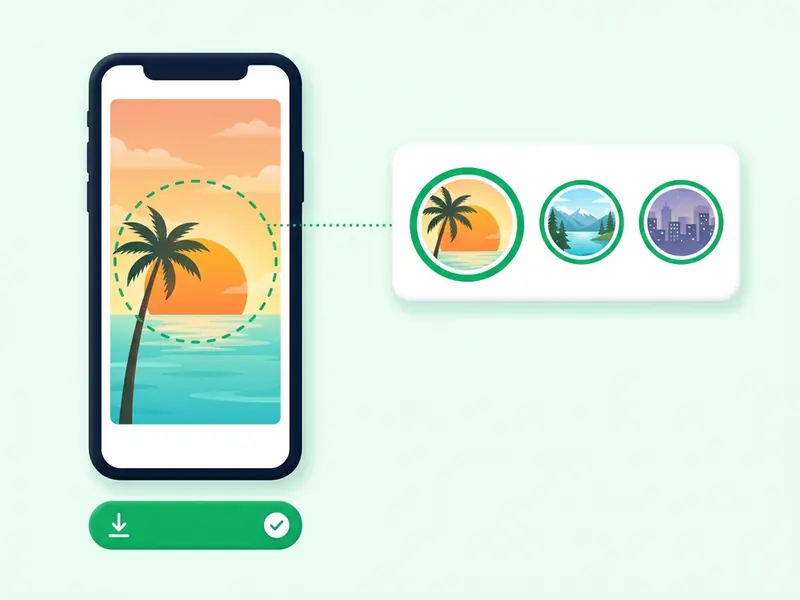
Photo stories, video stories and their sound
A highlight can mix photos and videos, and each saves in its own format:
- Photo stories save as JPG, usually 1080 x 1920 pixels. An image file cannot carry sound.
- Video stories save as MP4 with their audio track as Instagram serves it, usually at 720p or 1080p. When a video story has music, the song is mixed into the video file, so it plays in the MP4 you save.
- Photo stories with a song depend on how Instagram serves them. Served as a short video, you get an MP4 with the music. Served as a still image, you get a JPG with no sound.
Nothing is added on the way: no logo, no username stamp and no re-encoding. Quality cannot go higher than what Instagram stores, so a story that looks soft in the app looks the same once saved. It is HD, not 4K.
Public accounts only
The people who can see an account's stories are the people who can see its highlights. Instagram's help page on highlights puts it plainly: those allowed to see your story can also see your highlights. A private account's highlights are for the followers its owner approved, and nothing on this site changes that. If you want something from a private account, ask the owner.
When a highlight will not load
- The owner removed it. Owners can delete a highlight or take single stories out of it at any time (Edit or delete a highlight). Once a highlight is gone, its link stops working here as well.
- The account went private. Its highlights are then for approved followers only.
- The link was cut short. Open the highlight in Instagram again and copy a fresh link.
- You pasted a username or a profile link. The highlights page needs the link to one highlight. For the stories an account has up right now, type its username into the anonymous story viewer or the story downloader on the home page. How to download Instagram stories walks through both.
- The page asks you to wait. After a lot of lookups within one minute, wait up to a minute and try again.
- The results page has expired. Results last only a few minutes. Paste the link again to get them back.
- It is still working. Some links take up to a minute to load.
If the highlight will not open in the Instagram app either, see why an Instagram story will not show for the usual reasons.
FAQ
Can I download a whole Instagram highlight at once?
Yes. Paste the highlight link into the highlights downloader and press Download all as ZIP. You get one file with every story in it, numbered in the order the highlight plays. The Instagram app has no option for this.
How do I save Instagram highlights to my camera roll?
Download them first. On an iPhone, tap a story's download button and choose Save Image or Save Video, and it goes to Photos. For a ZIP, open it in the Files app, then save the stories to Photos from there. On Android, the files go to your Downloads folder and show in your gallery.
How do I save someone else's Instagram highlights?
Open the highlight in Instagram, copy its link from the three dots or the paper plane icon, and paste it into the highlights downloader. Save the stories one by one or as a ZIP. The account has to be public.
Will the account know I downloaded its highlight?
No. Saving sends no notification. Opening the highlight in the app to copy its link is a normal view, though, so your name can show on the viewer list of any story in it that is less than 48 hours old.
Can I download highlights by username?
No. The highlights page needs the link to one highlight, because an account can have many. A username works on the home page and in the anonymous story viewer, for the stories an account has up right now.
Do Instagram highlights expire?
No. A highlight stays on the profile until the owner removes it, while a normal story disappears after 24 hours, as Instagram's Stories help page explains. The guide do Instagram highlights expire goes into more detail.
Can I download a highlight cover?
Not as a separate file. The downloader saves the stories in a highlight. A cover is usually a crop of one of them, so you get that story in full with the rest.
Can I download highlights from a private account?
No. The highlights downloader works with public accounts only. A private account's highlights are for the followers its owner approved, and this site does not get around that.