Instagram Photo Downloader
Download Instagram photos as JPG from any public post, at the resolution Instagram serves. One photo or every image in an album. No login, no watermark.
Sharper than a screenshot
You get the image file Instagram serves, not a capture of your screen with the app around it.

Nothing to sign in to
No Instagram login and no account on this site. Paste a link, save the photo, and you are done.
Posts, albums and stories
Feed photos, album slides and story photos all download here. Profile pictures have a tool of their own.
Every photo in an album
A post with several photos lists each one. Save the ones you want, or all of them as one ZIP.
Quick to load
Most photos appear in a few seconds. A slow one can take up to about a minute.
How to download Instagram photos
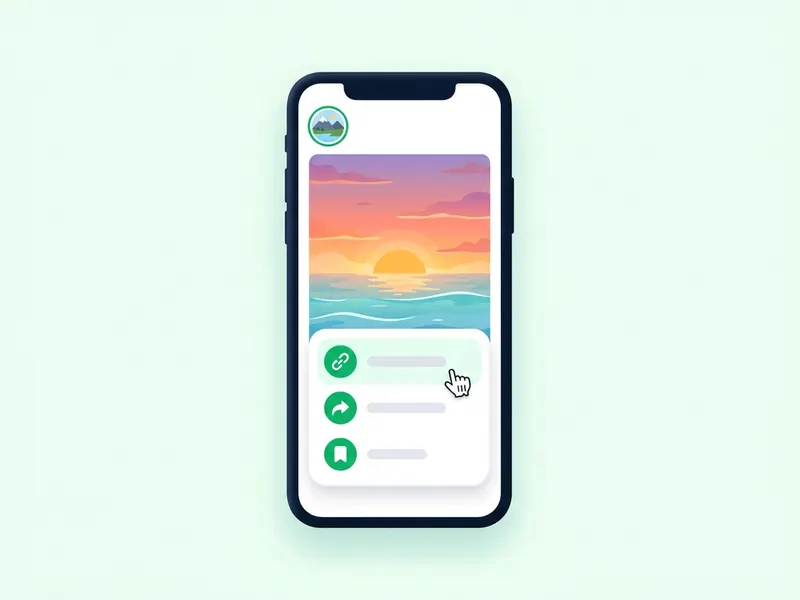
Copy the post link
Tap the three dots or the paper plane on the post and choose Copy link. On a computer, the link is in the address bar.
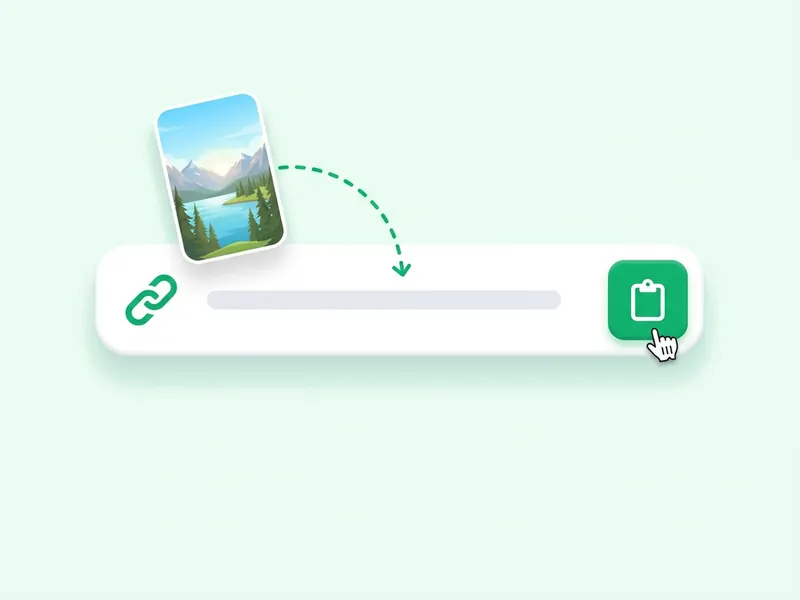
Paste it above
Paste the link into the box at the top of this page and press Download photo. A preview loads.
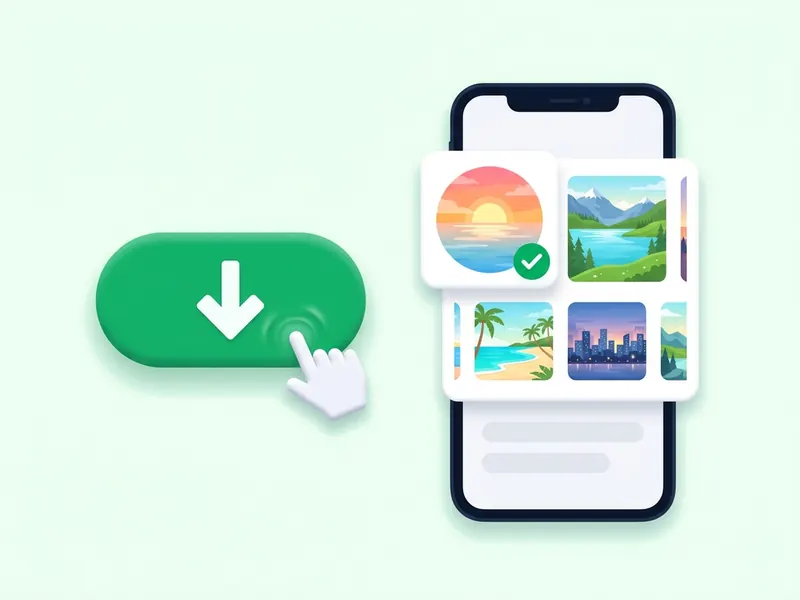
Save the JPG
Each image in the preview has its own download button. Tap it to save the JPG. A post with several photos also offers Download all as ZIP.
Save Instagram photos in HD, without a screenshot
Instagram has no download button for photos, and a screenshot brings the app's buttons and your screen's size along with the picture. Paste the post link here instead and you get the JPG Instagram serves, clean, with nothing around it.
Single photos, every slide of an album, and story photos all work, as long as the account is public. Each image has its own button, and an album can be saved as one ZIP with the files in order. There is no login and no watermark, and no copy of the photos stays with the site.
Use it for recipes, outfit ideas and travel spots, or to keep your own posts. For a profile picture, the profile picture downloader takes a username; for a whole highlight, the highlights downloader takes the highlight link.
What Instagram photos you can save
Single photo posts
A post with one image saves as one JPG. Feed photos usually come out 1080 to 1440 pixels wide.
Album and carousel photos
Every slide of a multi-photo post is listed in order. Take one slide, or the whole album as a ZIP.
Profile pictures
Use the profile picture downloader: type a username and save the account's picture as a square image instead of a small circle.
Story photos
A photo story is up for 24 hours. Paste its link here, or type the username on the home page to see all of the account's current stories.
Square, portrait and landscape
Instagram posts photos in three shapes. Each one saves in the shape it was posted in, with no crop and no white bars added here.
Highlight photos
Photos kept in a highlight stay on the profile. Paste the highlight link into the highlights downloader to save every one of them.