Instagram Highlights Downloader
Download Instagram highlights from public accounts in HD. Paste a highlight link, watch every story in it, and save the ones you want or the whole highlight as a ZIP.
The whole highlight
One link brings up every story in the highlight, in the order the account arranged them.
Anonymous, no login
You never sign in to Instagram, so the owner gets no alert and never sees your name.
HD, as Instagram serves it
Photos and videos save at the resolution Instagram serves, with no watermark added.
Still there after 24 hours
A highlight stays on the profile until the owner removes it, so you can save it long after the stories first went up.
One ZIP for all of it
Save the stories one at a time, or press Download all as ZIP and get them in one file, numbered in order.
How to download Instagram highlights
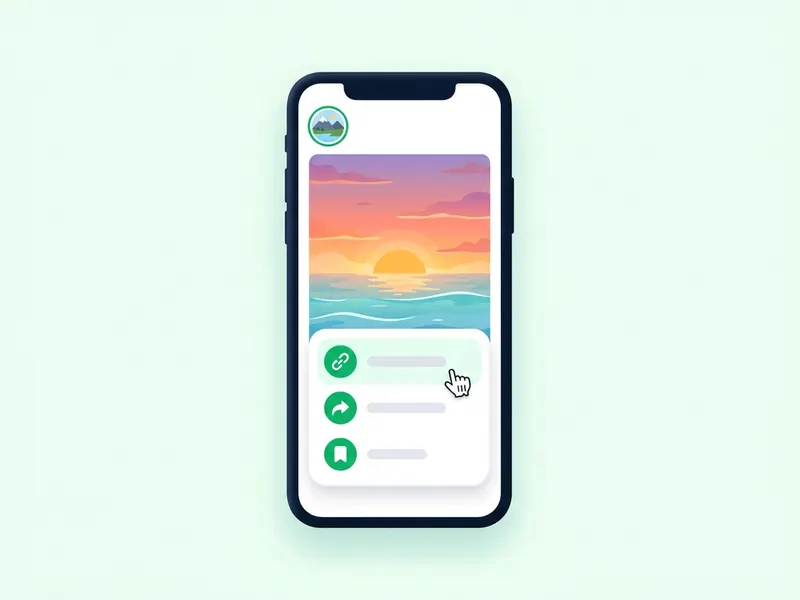
Copy the highlight link
On the profile, tap the highlight's round cover to open it. Tap the three dots or the paper plane icon and choose Copy link. On a computer, copy the address from the browser bar.
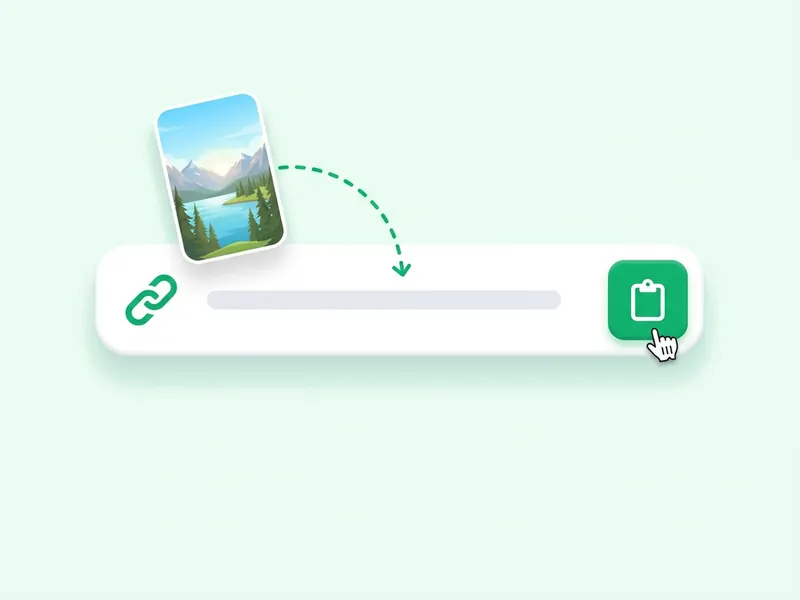
Paste it in the box
Paste the link at the top of this page and press Download highlight. It has to be a highlight link: a username or a profile link won't work here.
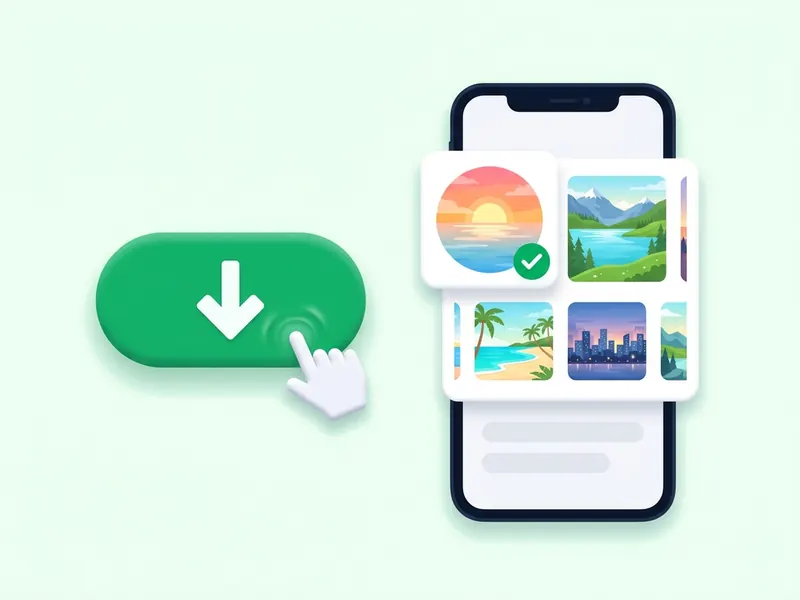
Watch, then save
Each story in the highlight shows up with its own download button. Play the videos first if you like, then save single stories or the whole highlight as a ZIP.
Download Instagram highlights in HD, with no watermark
Highlights are the stories an account chooses to keep. They sit under the bio as round covers and stay there after the 24 hours that end a normal story. Instagram has no button for saving someone else's highlight. This page does it: paste the link to one highlight, and every story in it comes up, ready to watch and download.
Nothing is added to the files. Photos save as JPG and videos as MP4 with their audio track, at the resolution Instagram serves and with no watermark. You never sign in, so your name does not appear on a viewer list, and no copy of the files stays with the site. Results are kept in a cache for about ten minutes.
A highlight link opens one highlight. For the stories an account has up right now, type its username into the anonymous story viewer, or use the story downloader on the home page. Both work with public accounts on any phone or computer, with no app to install.
Instagram highlight viewer and downloader
What a highlight is
A highlight is a set of stories an account pins to its profile, shown as round covers under the bio. A normal story is gone after 24 hours. A story in a highlight stays until the owner takes it out.
Watch it first, anonymously
Every story in the highlight plays on the results page, so you can watch before you save. It loads through this site, not through your account, so your name is not added to any viewer list.
Photos, videos and their sound
A highlight can mix photos and videos. Photos save as JPG. Videos save as MP4 with their audio track as Instagram serves it.
No watermark on any file
Nothing is added to what Instagram serves: no logo, no username stamp, no re-encoding. A saved highlight looks the way it does in the app.
What about the cover?
This tool saves the stories inside a highlight, not the round cover on its own. A cover is usually a crop of one of those stories, and that story comes with the rest, uncropped.
Save a whole highlight at once
Some highlights hold dozens of stories. Download all as ZIP gives you one file with every story numbered in the order it plays, ready to unzip on a phone or a computer.