How to download Instagram stories
Contents
You can download an Instagram story in three steps on the storydownload home page:
- Copy the story link or type the username.
- Put it in the box on the home page and tap Download.
- Save the photo or video you want.
That is all it takes on an iPhone, an Android phone or a computer. It runs in your browser, with no app and no Instagram login. The account has to be public. Stories disappear 24 hours after they are posted, so save the ones you want while they are still up.
Key takeaways
- Three steps on any device: copy the story link or type the username, tap Download, save the file.
- A username gets you every story the account has up right now. Save them one at a time, or all together with Download all as ZIP.
- On an iPhone or iPad, stories save to Photos. On Android and on a computer, they go to your Downloads folder.
- Video stories save as MP4 with their sound, photo stories as JPG, at the resolution Instagram serves.
- There is no app to install and no Instagram login.
- Highlights stay up after 24 hours. Save them from a highlight link with the highlights downloader.
- Public accounts only.
A story link or a username
By link. Open the story in Instagram, tap the three dots or the paper plane icon, and choose Copy link. Paste it into the box on the home page and tap Download. The story comes up as a photo or a video with its own download button.
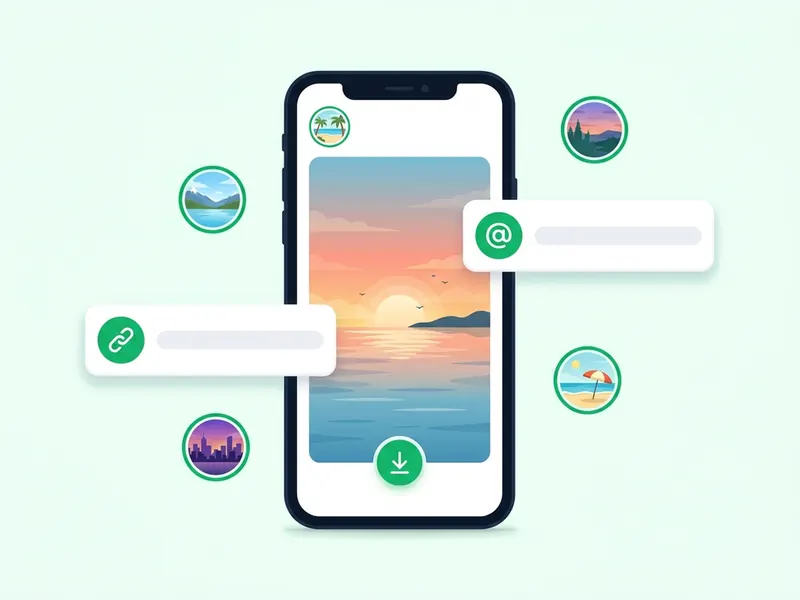
By username. Type the account's username, with or without the @, and tap Download. You get every story the account has up right now, each with its own button, plus Download all as ZIP to save them all in one file.
One difference matters if you would rather not be seen. Opening a story in the app to copy its link counts as a view, so your name goes on its viewer list. Typing the username skips that step, because the stories are fetched on this site and never opened from your account. Can people see if you view their Instagram story? explains the viewer list in full.
How to download Instagram stories on iPhone
- In the Instagram app, open the story, tap the three dots or the paper plane icon, and choose Copy link. Or just note the username.
- Open the storydownload home page in Safari, Chrome or any other browser.
- Paste the link or type the username, then tap Download.
- Tap the download button under the story you want. A share sheet opens.
- Choose Save Image for a photo or Save Video for a video. The story goes to Photos.
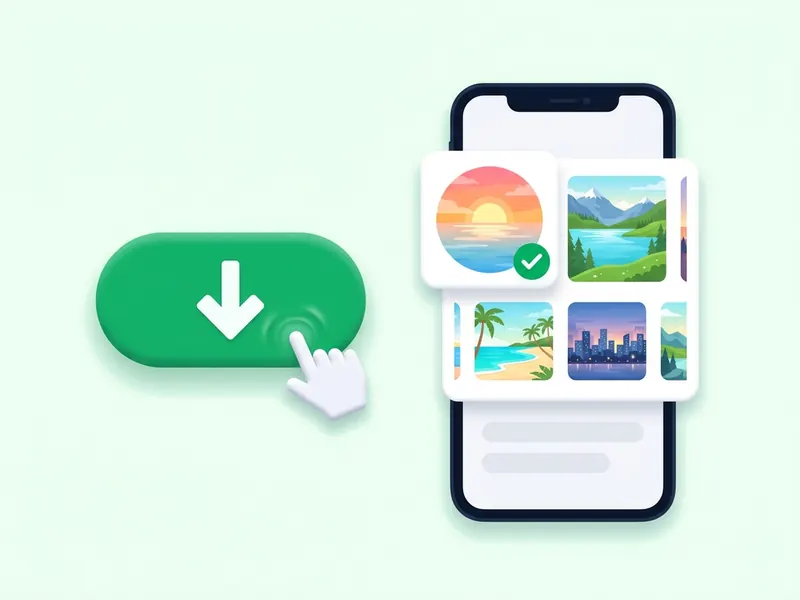
If you save several stories as one ZIP, open it from the Files app. An iPad works the same way: the same share sheet appears, and stories save to Photos.
How to download Instagram stories on Android
- In the Instagram app, open the story and copy its link from the three dots or the paper plane icon. Or just note the username.
- Open the home page in Chrome or any other browser.
- Paste the link or type the username, then tap Download.
- Tap the download button under the story you want.
- The file goes to your Downloads folder, and your gallery or Google Photos shows it from there.
A ZIP of several stories opens from the Files app. Android tablets and Chromebooks work the same way.
How to download Instagram stories on PC
The steps are the same on Windows and on a Mac.
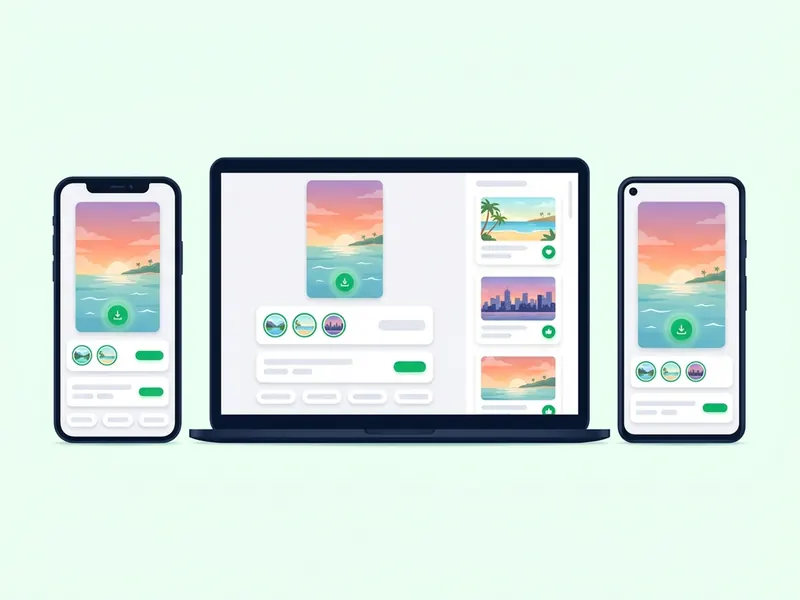
- Open the story on instagram.com and copy the address from the browser bar. Or type the account's username instead.
- Paste it into the box on the home page and click Download.
- Click the download button under the story you want.
On Windows, Chrome, Edge and Firefox put the file in your Downloads folder. On a Mac, Safari and Chrome save to Downloads, ready to open in Photos or QuickTime. A ZIP of several stories opens with a double-click.
Download Instagram stories without an app
You do not need an app or a browser extension to save stories. storydownload runs in your browser, so there is nothing to install from the App Store or Google Play, nothing to update and no permissions to give.
- No login. You never sign in to Instagram here, so your own account is never involved.
- No watermark. The file is passed to you as Instagram serves it. No logo is added and nothing is re-encoded.
- Free, with no daily limit. Save one story or every story an account has up. If you send a lot of requests within one minute, the site asks you to wait a moment before the next one.
- Any up-to-date browser. Safari, Chrome, Edge and Firefox all work, on a phone, a tablet or a computer.
Download Instagram highlights
A normal story disappears after 24 hours. A highlight is a set of stories the owner keeps on the profile, so it stays until the owner removes it. To save one, use the Instagram highlights downloader:
- On the profile, tap the highlight's round cover to open it.
- Tap the three dots or the paper plane icon and choose Copy link. On a computer, copy the address from the browser bar.
- Paste the link into the highlights downloader and press Download highlight.
- Save single stories with their own buttons, or press Download all as ZIP to get the whole highlight in one file, numbered in the order it plays.
The highlights page needs a highlight link. A username or a profile link will not work there, because an account can have many highlights. How to download an entire Instagram highlight covers unzipping it into your camera roll, and do Instagram highlights expire? explains how long highlights stay up.
What you get: quality, format and sound
- HD, not 4K. Story photos are usually 1080 x 1920 pixels. Story videos are usually 720p or 1080p. Instagram does not serve stories in 4K, so there is no 4K file to download.
- MP4 and JPG. Video stories save as MP4 files and photo stories as JPG images. Both open on any phone or computer without a converter.
- Sound and music. When a video story has music, the song is mixed into the video file, so it plays in the MP4 you save. A photo story with a song saves as an MP4 with the music when Instagram serves it as a short video. When Instagram serves it as a still image, you get a JPG, and an image cannot carry sound.
Quality cannot go higher than what Instagram stores. If a story looks soft in the app, the saved file will look the same, because it is the same file.
Watch first, then save
Not sure which story you want? Type the username into the anonymous story viewer to watch the account's current stories before you save anything. Your name is not added to the viewer list, and every story has a download button.
FAQ
Can someone see if I download their Instagram story?
No. Instagram does not notify anyone when a story is downloaded or screenshotted. If you type the username instead of opening the story in the app, you stay off the viewer list too. Does Instagram notify when you screenshot a story? goes through every case, messages included.
How do I save someone's Instagram story to my gallery?
Download it on the home page first. On an iPhone, a share sheet opens: tap Save Image or Save Video and it goes to Photos. On Android, the file lands in your Downloads folder, and your gallery or Google Photos shows it there.
Can I download Instagram stories in 4K?
No. Instagram does not serve stories in 4K. You get the file Instagram serves, which is HD: usually 1080 x 1920 pixels for photos and 720p or 1080p for videos.
Can I download a story after 24 hours?
Only if the owner added it to a highlight. Copy the highlight link and use the highlights downloader. An expired story that is not in a highlight is gone, and no tool can bring it back.
Why can't I download this story?
The story may be more than 24 hours old, the owner may have deleted it, the account may be private, or only part of the link was copied. Copy the link again from Instagram, or type the username instead. Why can't I see someone's Instagram story? goes through every reason and what each message on this site means.
Can I download stories from a private account?
No. Only public accounts work. Stories from a private account are visible only to the followers the owner approved, and this site does not get around that.
Do I need an Instagram account to download stories?
No. You never sign in to Instagram or create anything on this site. The username or link you type is all it needs.
Can I download all of an account's stories at once?
Yes. Type the username instead of a link, and every story the account has up right now appears together. Press Download all as ZIP to get them in a single file.