Instagram Profile Picture Downloader
Save the profile picture (DP) of any public Instagram account as a square image instead of a small circle. Type the username, view the picture, download it.
Seconds to load
Type a name and the picture usually appears in a few seconds.
No follow, no login
You don't follow the account or sign in, and the owner gets no notification.
The file, not a screenshot
You save the image file itself, not a capture of a small circle. Its size depends on what Instagram serves.
On any phone
Works in the browser on iPhone and Android, and on any computer, with no app.
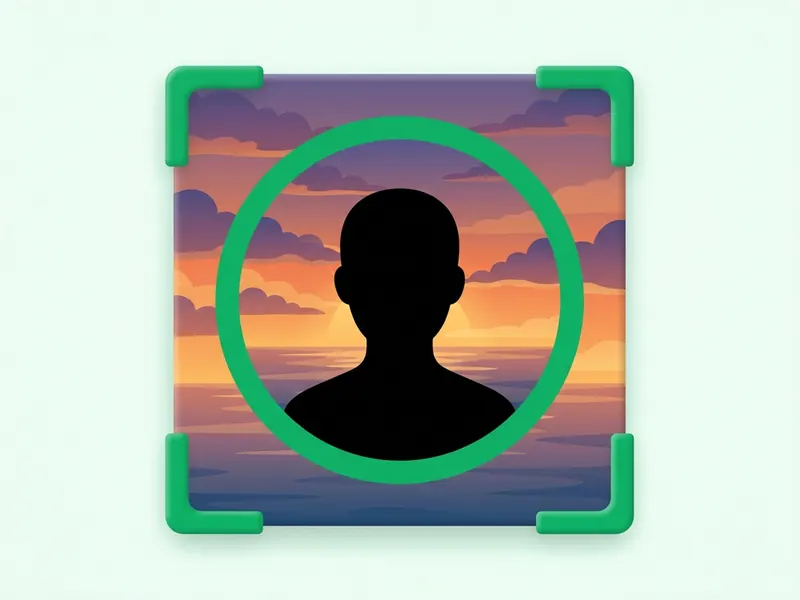
The whole square
Instagram shows profile pictures as circles. The file you save is the square image, corners included.
How to download an Instagram profile picture
Type the username
Enter the account's username, with or without the @. A link to the profile works too.
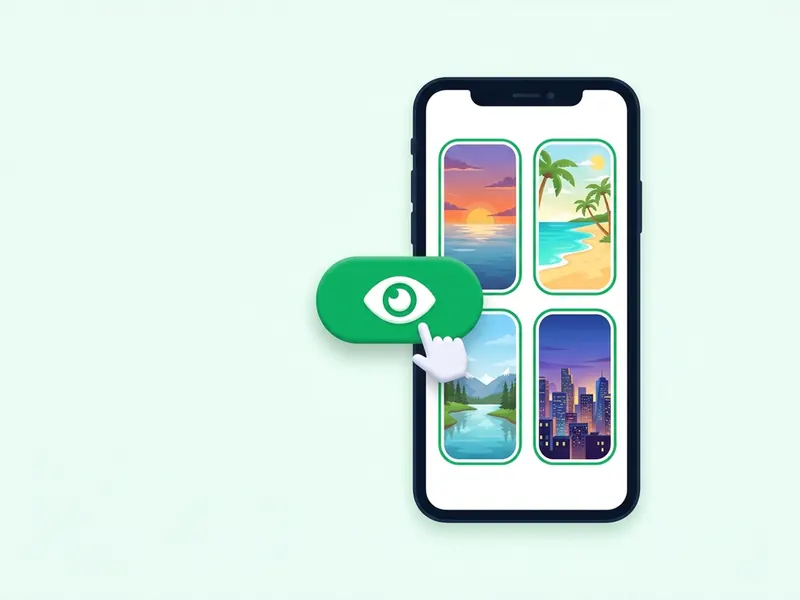
Load the picture
Press Download profile picture. The account's current picture comes up, so you can look at it first.
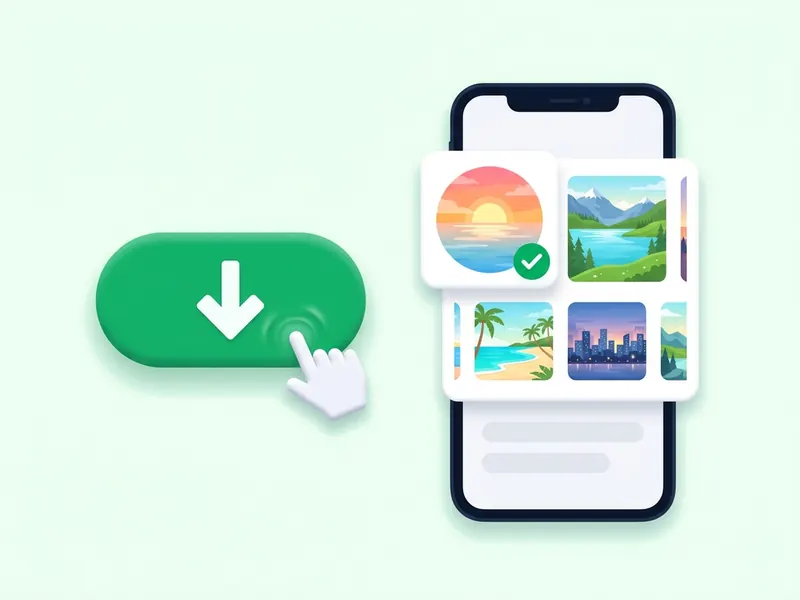
Save it
Tap the download button to keep it as a JPG. On an iPhone, choose Save Image to put it in Photos.
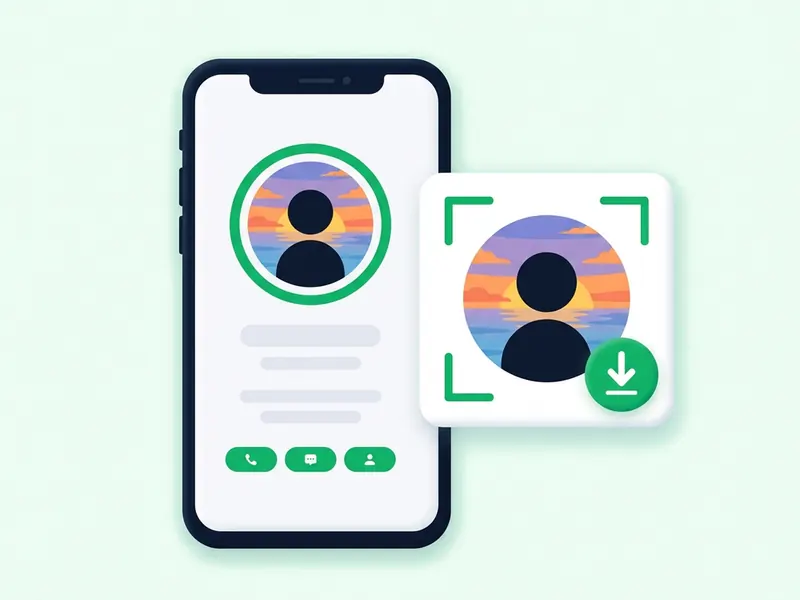
View and download Instagram profile pictures
On Instagram, a profile picture is a small circle at the top of the account, and the app has no way to save it. Type a username here and the picture loads as an image file you can look at properly and keep.
You don't follow anyone, you don't sign in, and the owner is not notified. The picture is saved as a square JPG with no watermark. The tool is made for public accounts.
Use it to check who is behind an account before you follow, or to save your own picture. To see an account's current stories, use the anonymous story viewer.
About Instagram profile pictures (DP)
A file, not a screenshot
In the app, a profile picture is a small circle, and a screenshot of it comes out soft. Here you get the image file Instagram serves for that account, as a square JPG.
DP, PFP, avatar: one picture
Display picture, profile photo, PFP and avatar all mean the image at the top of an account. Type the username and that picture comes up.
Made for public accounts
This tool is for public accounts. A private account's posts, stories and highlights stay with the followers its owner approved, and nothing on this site changes that.
See it on its own
In the app, a profile picture is usually just a small circle next to the name. Load it here to look at the image on its own, then decide whether to save a copy.
Why the app won't save it
Instagram has no option to download a profile picture. That is why people screenshot it, and why the result looks blurry.
Nobody is notified
Looking up a picture here does not follow the account, sign you in or send the owner anything. The account sees no sign of it.