Instagram Reels Downloader
Download Instagram reels as MP4 with their audio, in HD and with no watermark. Paste a reel link and save it to your phone or computer. No login needed.
Seconds, not minutes
Most reels are ready in a few seconds. Now and then one takes up to about a minute.
Your account stays out of it
No Instagram login is ever asked for, so your account and password are never at risk.
HD reels
Saved at the resolution Instagram serves, usually 720p or 1080p, in the reel's tall 9:16 frame.
Audio included
The reel's audio track comes inside the same MP4, as Instagram serves it, in sync with the picture.
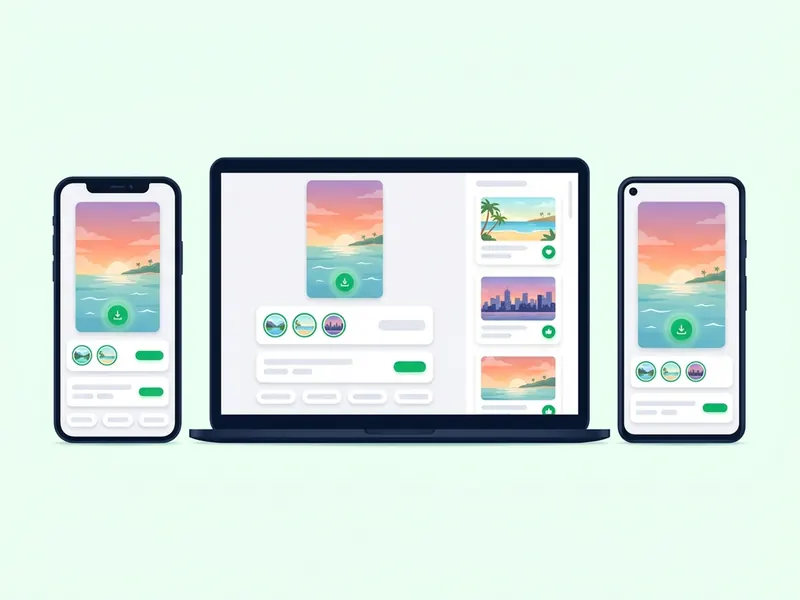
iPhone, Android, PC
Any browser works. Reels go to Photos on an iPhone and to the Downloads folder on Android and computers.
How to download Instagram reels
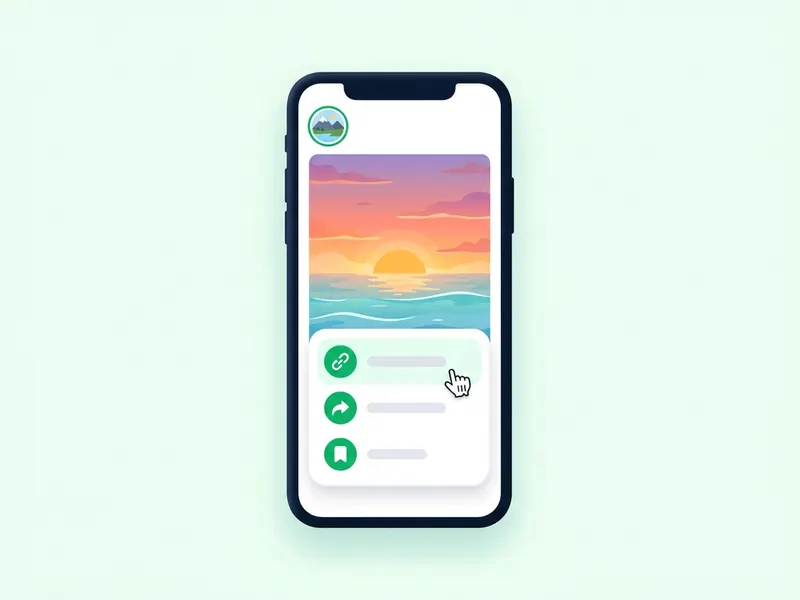
Copy the reel link
Open the reel, tap the paper plane icon and choose Copy link. On a computer, copy the address bar while the reel plays.
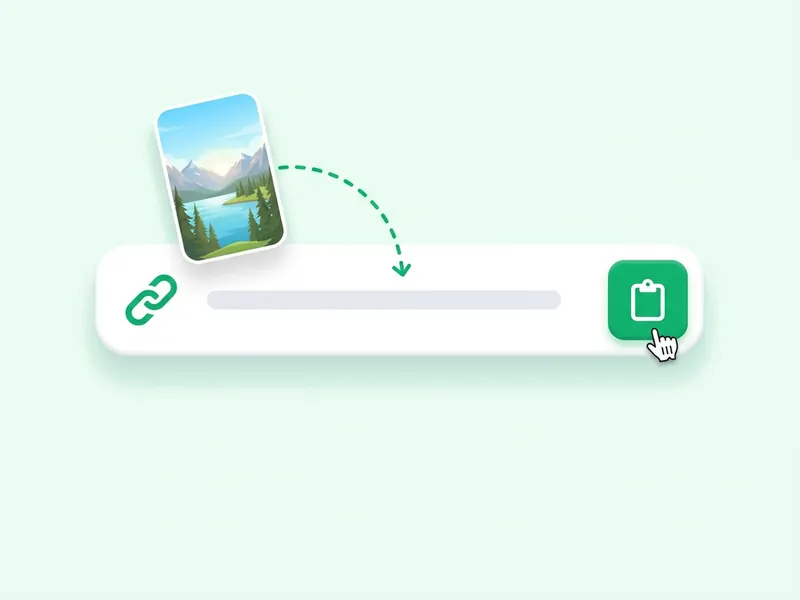
Paste it here
Put the link in the box at the top of this page and press Download reel. A preview loads, so you can check it is the right one.
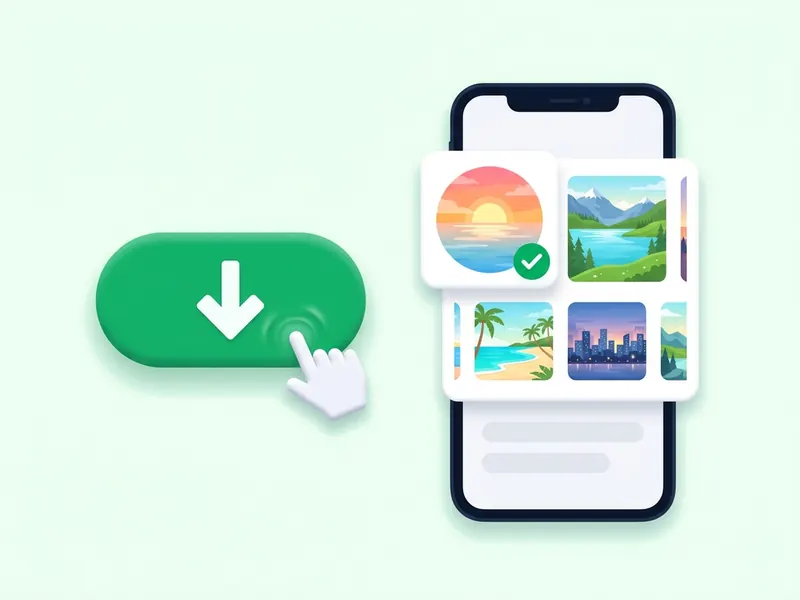
Save the MP4
Tap Download video under the preview. The reel saves with its audio, ready to play offline.
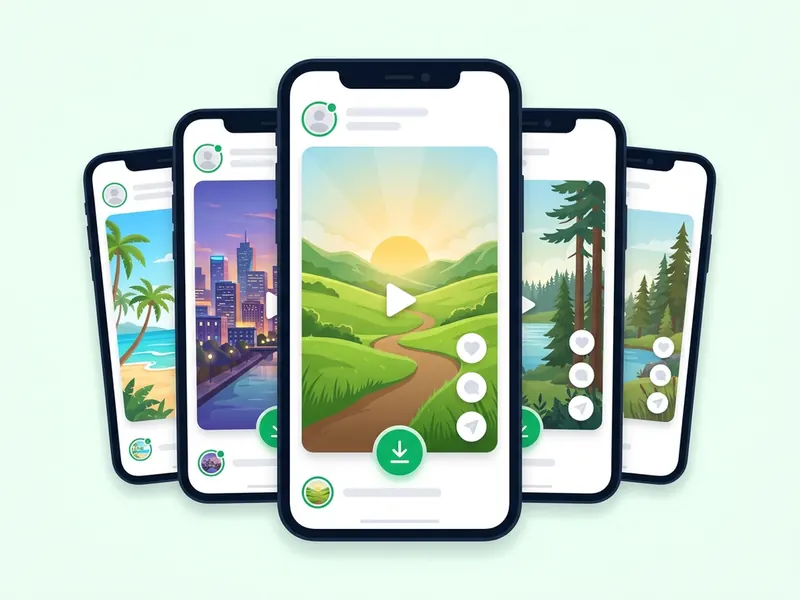
Save Instagram reels with their audio, no watermark
Instagram's Save button keeps a reel inside the app. Paste a public reel link here instead and you get the MP4 itself, in the tall frame it was posted in, with its audio track and no watermark.
The file is the one Instagram serves, usually 720p or 1080p, and nothing is re-encoded or stamped on it. You never log in, the creator gets no alert, and no copy of the video stays with the site after it reaches you.
It works the same on iPhone, Android, Windows and Mac, in any browser. Save a recipe to cook from, a workout to follow, or your own reels as a backup. Stories live on the home page, and posts with several slides have the carousel downloader.
Why people save Instagram reels
A folder of favorites
Reels you like get buried in the app. Saved MP4s stay in a folder you control, sorted however you want.
Watch with no signal
A saved reel plays on a plane, on the subway, or anywhere your data runs out, with no buffering.
Reference for your own edits
Creators keep trending reels to study pacing, cuts and captions. Use them as reference; reposting someone's reel needs their permission.
Recipes and workouts
A one-minute recipe or workout is easier to follow when you can pause and rewind it without the feed moving on.
Send it to anyone
Share the MP4 in WhatsApp, Messages or email with friends who don't use Instagram. It plays without the app.
A copy of your own reels
Keep your own reels on your phone or computer, in case a post gets removed or you lose access to your account.