Can you see who views your Instagram profile?
Contents
No. Instagram does not show you who looked at your profile, and it does not tell anyone that you looked at theirs. That is true for personal, creator and business accounts, however many times someone visits.
What people can see is what you do: a like, a comment, a follow, a story view. Public accounts also get insights, and those are counts, never names. Instagram's Help Center describes each insight it offers, from views and accounts engaged to the profile activity a post brings in, and none of them is a list of visitors.
Stories are the big exception. Watch one in the app and your name goes on its viewer list. That has its own guide: can people see if you view their Instagram story?
Key takeaways
- Nobody can see that you visited their profile, scrolled their grid or opened their posts. There is no visitor list and no alert.
- It works the same in reverse: you cannot see who visited your profile, even with a business or creator account.
- Insights give public accounts numbers, such as profile activity and accounts engaged. They never name anyone.
- Your name shows when you act: a like, a comment, a follow, a story view, joining a Live, or reading a message with read receipts on.
- Tapping a profile picture that has a colorful ring opens the story, and that counts as a story view.
- Apps that promise a list of your profile viewers have nothing real to show, and some want your password. Instagram's Help Center warns against both.
What others can and can't see when you visit their profile
| What you do | Can the account tell it was you? |
|---|---|
| Open their profile and scroll the grid | No. There is no alert and no visitor list. |
| Visit again and again, every day | No. Repeat visits are not shown to the owner. |
| Search for their username | No. Your searches stay in your own search history. |
| Open a post or watch a reel without liking it | No. Your view only adds to a number. |
| Look at their profile picture | No. Unless it has a colorful ring (next row). |
| Tap a profile picture with a colorful ring | Yes. It opens their story, and your name goes on its viewer list. |
| Watch their story in the app | Yes. Your name is on the viewer list for 48 hours. |
| Open a highlight story less than 48 hours old | Yes. It still shows its viewers until then. |
| Like, comment, follow or send a follow request | Yes. These come from your account, so your name is on them. |
| Join their Live | Yes. The host can open a list of viewers. |
| Open a message they sent you | Yes, if read receipts are on. |
| Use Instagram with Activity Status on | Partly. People you follow and people you message can see when you were last active. |
| Watch a public story in the storydownload viewer | No. Your account is never used. |
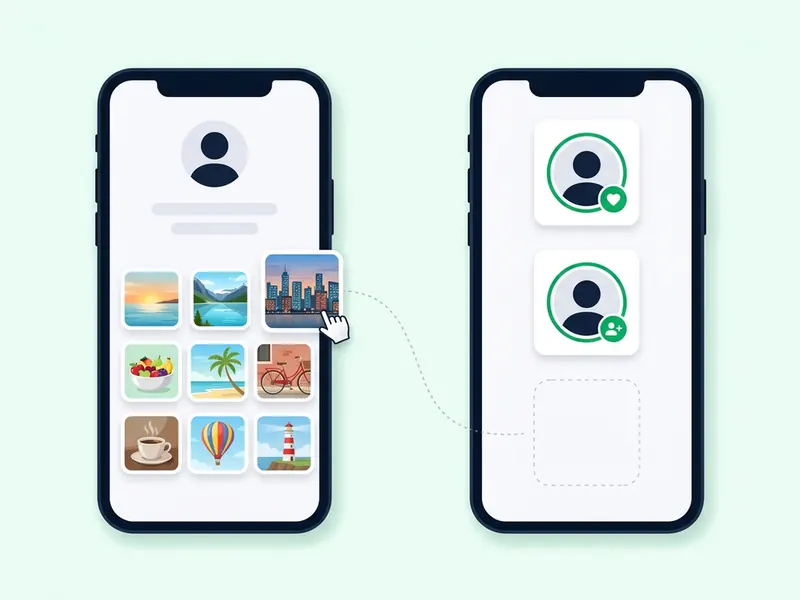
Why a profile visit leaves no trace
Instagram has no feature that lists the people who looked at a profile. There is no tab for it, no notification and no setting that turns one on, on any account type. Owners get totals, never broken down by person, so nobody can tell that one account came back ten times.
Only two things give you away. Actions such as a like, a comment, a follow or a message come from your account, so they carry your name. Stories and Lives have a viewer list by design. Everything else on a profile can be browsed quietly: the bio, the grid, the reels tab and the posts themselves.
What Instagram shows you instead: insights and the dashboard
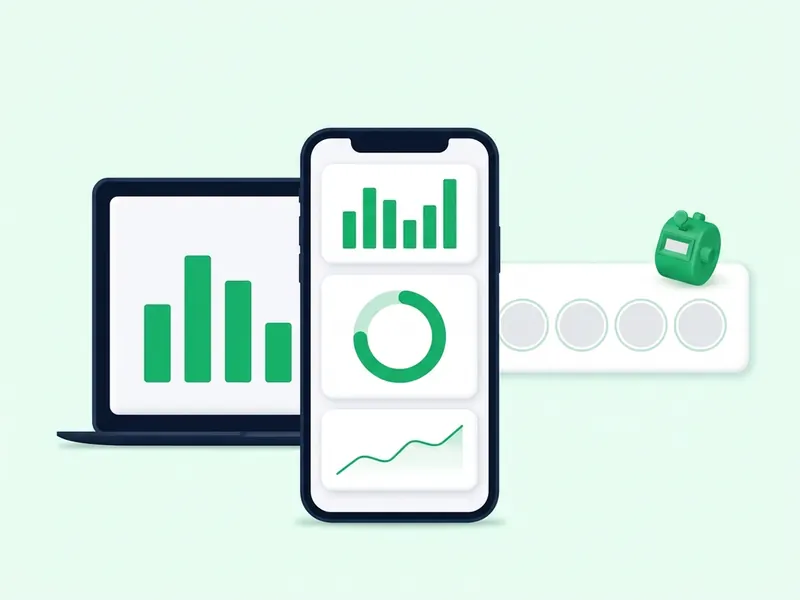
If your account is public, Instagram gives you free insights. You do not need a business or creator account for this. Instagram's page on dashboards says a public personal account gets Your dashboard, and a professional account gets the Professional dashboard, which adds tools such as monetization insights. A private account gets neither. Switch back to private and you lose access to insights.
Here is what insights can tell you about visits to your profile:
- Profile activity on a post. For each post, Instagram counts the actions people take when they visit your profile after engaging with that post.
- Profile activity on a story. For each story, story insights count the actions it led to, such as profile visits, follows and website clicks.
- Views, viewers and accounts engaged. Totals for your content, with accounts engaged split into followers and non-followers.
- Audience. Top countries, cities, age ranges and gender, once your content has reached more than 100 accounts.
Every one of these is a number. Nothing in insights says which accounts visited, how often one person came back or who searched for you, and switching to a business account does not add that.
How to check profile activity in your insights
- Make sure your account is public. Insights are only for public accounts, personal or professional.
- Go to your profile and tap the post you want to check.
- Tap View insights under the post.
- Look for Profile activity. That is how many actions on your profile came from this post. It is a count, with no names behind it.
- For a story, open it, swipe up and tap the insights icon. Story insights stay available for up to two years, even after the story itself is gone.
- For your whole account, tap Professional dashboard or Your dashboard on your profile, then choose a timeframe within the past 90 days.
Menu labels move between app versions. If your dashboard is not on your profile, Instagram says to look for it in Settings and activity.
The exceptions: when your name does show
Instagram keeps a named record in a handful of places. All of them are tied to something you watched or did, not to the profile visit itself.
Stories and highlights
When you see someone's story, they can tell you have seen it. Only the owner sees the list, and Instagram keeps it for up to 48 hours after the story goes up. A story saved to a highlight still shows its viewers until it is 48 hours old. After that, the names are gone. Do Instagram highlights expire? explains who can see a highlight and for how long.
In 2026, Instagram added a paid subscription, Instagram Plus. Story Preview lets subscribers peek at a story without joining the viewer list, Search Viewer Sheet checks whether one person saw their story, and Story Rewatch Count shows replays. All three are about stories. None shows who visited a profile.
A profile picture with a colorful ring
A colorful ring around a profile picture means the account has a story you have not seen. Tap the picture and the story plays. That is a story view, so your name goes on the list. People tap a profile picture to see it bigger and end up on a viewer list without meaning to.
Likes, comments, follows and requests
A like shows your name to the owner, and on a video, tapping the view count shows who liked it. A comment is public. A follow, or a follow request to a private account, comes with your name. Unliking an old post removes the like, but a notification that already went out may have been seen.
Live videos
During a broadcast, the host and any moderators can open a list of viewers. Your comments show your name too.
Messages and Activity Status
Read receipts let others in a chat see when you viewed their message. You can turn them off for one chat or for all of them. With Activity Status on, people you follow and anyone you message can see when you were last active. Neither reveals a profile visit, but both show that you were around.
“Who viewed my profile” apps: why they are fake or risky
Search for this question and you will find apps, websites and reels promising a list of your profile visitors. None of them can deliver it. Instagram does not give that information to account owners, so an outside app has nothing real to read.
What you get instead:
- A guess dressed up as data. At best, the app takes people who already like or comment on your posts and calls them visitors.
- A login screen. Some ask for your Instagram username and password before they show anything.
- A payment. Some put the list behind a subscription. Paying does not make the list real.
- Comment-for-a-link reels. Reels that tell you to comment a word so a link lands in your messages. Whatever the link opens, it cannot show visitors that Instagram shows to nobody.
Instagram's Help Center is direct about the risk:
- Use caution with third-party apps, especially ones that offer something that sounds too good to be true or want your social media login before you can use them.
- Never share your login information with any person or app you don't trust.
- Using an app or service that interacts with Instagram in unauthorized ways is one of the reasons Instagram gives for restricting an account.
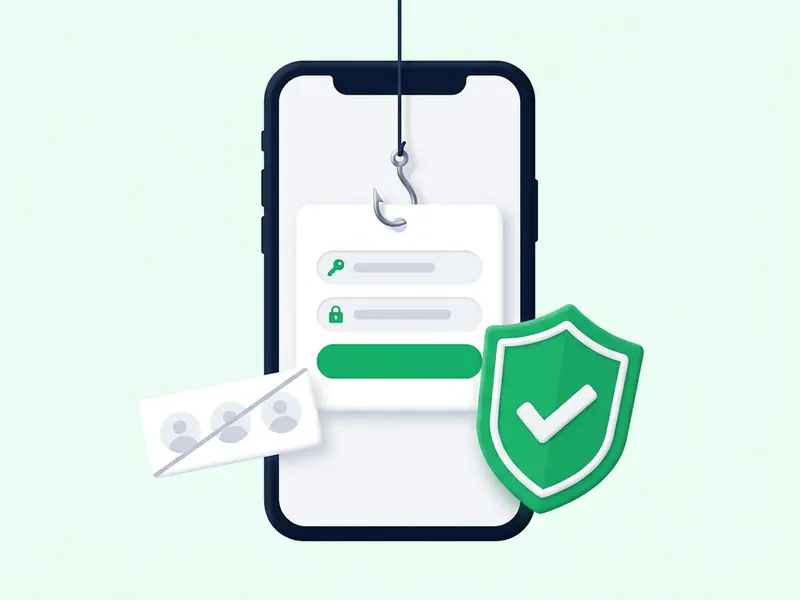
If you already gave an app your password
- Change your password now, or send yourself a password reset email. Changing it signs you out of every device, including any logins the app made.
- Remove the app's access. Check the apps and websites connected to your account and remove anything you don't recognize.
- Turn on two-factor authentication, so a password alone is no longer enough to get in.
- Review your login activity and remove any login you don't recognize.
- Delete the app from your phone and cancel any subscription it started.
Instagram's page on unauthorized activity lists the same first steps.
How to look at a profile without leaving a trace
On a public profile, just looking is already private. A few habits keep it that way:
- Don't tap a ringed profile picture. It opens the story. Open a post from the grid instead.
- Watch your double taps. A double tap on a post is a like.
- Leave stories and new highlights alone in the app, at least until they are 48 hours old.
- Mind the Follow button. It sits right under the bio. A follow, or a follow request to a private account, shows your name.
- Turn off read receipts or Activity Status if you don't want people to see when you read their messages or when you were last active.
For the parts that do keep a record, there are other ways in:
- Stories. Type a public account's username into the anonymous story viewer. The stories load through this site, not through your account, so your name is not added to the viewer list. There is no login and nothing to pay. It cannot take your name off a story you already opened in the app.
- The profile picture. In the app, a profile picture is a small circle, and tapping it may start a story. The profile picture downloader shows a public account's current picture as the full square image. Looking it up does not follow the account, sign you in or send the owner anything.
Instagram Plus subscribers have a third option, Story Preview, covered above. It is paid and still rolling out.
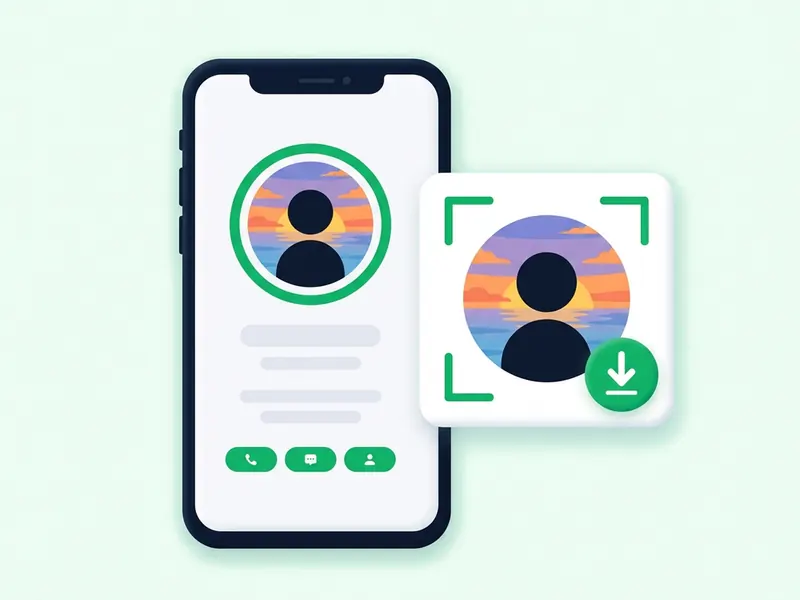
Both storydownload tools work with public accounts only. A private account's posts, stories and highlights are for the followers its owner approved, and nothing on this site changes that. Only the basics of a private account are visible to anyone: name, username, profile picture, bio, links and follower and following counts.
If the viewer shows no stories, the account is private or has none up right now. The viewer cannot tell which. Why can't I see someone's Instagram story? goes through the other reasons.
Myths about Instagram profile viewers
Suggested for you shows who looked at your profile
Not according to Meta's own description. Its explanation of suggested accounts lists what the system uses: followers of accounts you already follow, popular accounts in your area, topics you have engaged with, mutual friends, and whether and how long the other account has followed you. Contacts you sync and a linked Facebook account can feed in too. Other people's visits to your profile are not on that list. Someone in your suggestions has something in common with you. It does not mean they came by.
Your search bar shows who searched for you
No. Your recent searches are what you looked up, not who looked you up. Instagram ranks search results by your text, your own activity and popularity, and your activity means accounts you follow, posts you have viewed and how you have interacted with accounts. An account near the top is there because of what you did. Clearing your history is only temporary, too: a cleared name can come back after you search for it again.
The first names on your story viewer list check your profile most
The viewer list shows who watched that story, nothing more. Instagram's own 2026 guide to Stories says the list is ordered by recency. It tells you nothing about profile visits.
Instagram now shows profile views
Not as of October 2026. A post that spread on April 1, 2026 claimed profile views were now public. Its own caption admits it was an April Fools' joke. Some blogs also describe a test that shows the owner a count of profile views. We found no announcement of anything like it in Instagram's Help Center or on its blog, and even those reports describe a number, not a list of names. Check the Help Center before you believe a claim like this. A repost is not a source.
FAQ
Can you see who views your Instagram profile?
No. Instagram has no list of profile visitors for any account type. Public accounts get insights with counts, such as the profile activity a post brings in, but never names. The only viewer lists with names are for stories and Lives.
Can people see when you view their profile on Instagram?
No. Opening a profile, scrolling the grid and opening posts send nothing to the owner. They only see you when you act: a like, a comment, a follow, a story view or joining a Live.
Does Instagram tell you if someone keeps looking at your profile?
No. There is no count per person. Insights only show totals, so repeat visits from one account look like any other activity, with no name attached.
Can I check who stalks my Instagram?
Not by name. You can see who interacts with you: who likes and comments, who follows you, who watched your story in the last 48 hours and who joins your Lives. Profile visits stay anonymous. An app that promises a list of visitors is fake, and some of them want your password.
Can a business or creator account see who visited its profile?
No. Professional accounts get extra tools, such as ads and monetization insights, but visits to the profile are still counted, not named. A public personal account gets similar insights through Your dashboard.
Can someone see that I viewed their profile if I don't follow them?
No. Following makes no difference. What can give you away is the same either way: a like, a comment, a follow request or a story view. On a private account you only see the basics anyone can see, and a follow request shows your name.
Can people see who viewed their reels or posts?
Not by name. Reels and posts show a view count, and owners can see who liked or commented. Insights add how many unique accounts saw it. If you watch without liking, you are only part of a number.
Can someone tell if I looked at their profile picture?
No, as long as you only look. If the picture has a colorful ring, tapping it opens their story, and that view does show your name. To see a public account's picture full size without tapping it in the app, use the profile picture downloader.
Does Instagram notify someone if you screenshot their profile?
No. Screenshots of profiles, posts and reels send no alert. Does Instagram notify when you screenshot a story? covers stories and the exceptions in messages.