Do Instagram highlights expire, and who can see them?
Contents
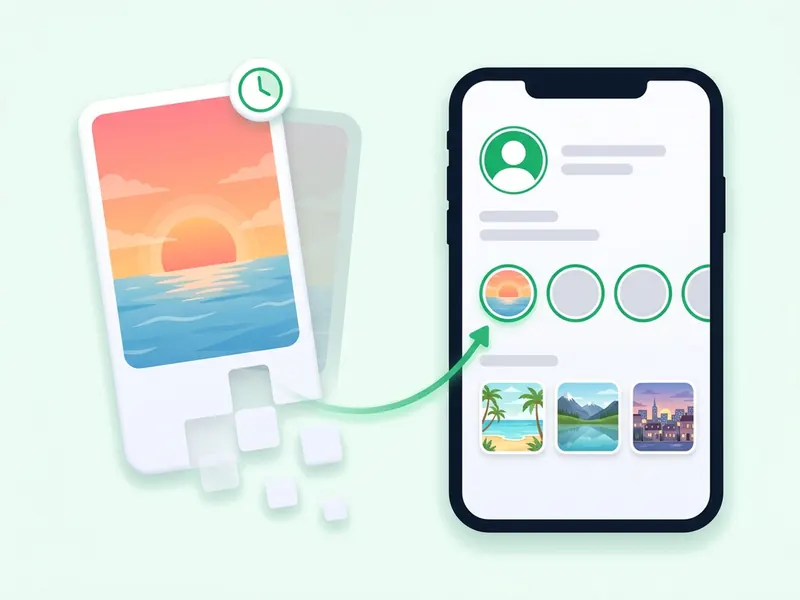
No. Instagram highlights do not expire. A story disappears after 24 hours, but a story you add to a highlight stays on your profile until you take it out, delete the highlight or delete the story from your archive.
Instagram's help page on highlights says the same: stories you add as highlights stay visible until you remove them, even after the original story has disappeared. You can read it on Instagram's page about Story Highlights.
Two rules still apply. Viewer names are shown for only 48 hours after a story was first posted, highlight or not. And only the people who could see the story can see it in a highlight.
Key takeaways
- Highlights have no expiry date. They stay on the profile until the owner removes them.
- They can still vanish: deleting a story from the archive also removes it from every highlight it is in.
- A highlight has the same audience as its stories: anyone for a public account, approved followers for a private one, only the list for a Close Friends story.
- Viewer names show for 48 hours after the story was first posted. Adding it to a highlight does not restart that clock.
- To keep someone out, hide your story from them, use Close Friends, or block them.
- The highlights downloader saves highlights from public accounts without adding your name to any viewer list.
How long do Instagram highlights last?
As long as the owner keeps them. There is no timer on a highlight. One you made years ago stays under your bio as a round cover until you delete it.
| Story | Highlight | Story archive | |
|---|---|---|---|
| Where it shows | The ring around the profile picture and the top of followers' feeds | The round covers under the bio | Only inside your own account |
| How long it lasts | 24 hours | Until the owner removes it | Until you delete it, if the archive is on |
| Who can see it | The audience you chose when you posted | The same audience as the story | Only you |
| Viewer names | For 48 hours after posting | For 48 hours after the story was first posted | For those same 48 hours |
The 24 hours come from Instagram's page on how long stories stay visible: story photos and videos disappear after 24 hours unless you add them as a highlight.
One newer twist applies to stories, not highlights. Instagram Plus, a monthly subscription Instagram is rolling out market by market, includes Story Extend, which Instagram says gives your best moments an additional 24 hours before they disappear (Instagram Plus features). So a story is normally up for 24 hours, and a Plus subscriber can keep one up for 24 more. A highlight needs none of that.
Why a highlight can still disappear
Highlights do not expire, but they can go missing. If one you used to watch is gone, it is usually one of these:
- The owner deleted it or took the story out of it.
- The story was deleted from the archive. Instagram says that a story deleted from your archive is also removed from the other places you shared it, highlights included (deleting a story from your archive).
- You can no longer see the account. It may have gone private, the owner may have hidden their story from you, or they may have blocked you.
- A bug. It is rare, but it has happened. In July 2024, Meta told CNN it had fixed a bug that deleted some people's Story highlights and archives, and that it could not restore them (report).
Old stories can also change. Instagram's Stories Archive page says that, to save storage, some archived stories may be changed for good, for example by muting music or freezing GIFs, mainly photo stories with a music or GIF sticker. An earlier version of that page said stories in highlights were not affected. The current page no longer mentions highlights either way, so if an old photo story in a highlight has lost its song, this may be why.
To keep a copy of your own, open the story in your archive, tap Options and choose Save photo or Save video.
How the story archive works
Every highlight is built from your stories, and the archive is where old stories wait. You can only add an expired story to a highlight if it was saved there.
- It fills itself. Stories are saved to your Stories Archive automatically when their 24 hours are up.
- Only you can see it. Archived stories cannot be seen on Instagram unless you choose to share them.
- Turning it off has a cost. With the archive off, every story you share is deleted after 24 hours, so add it to a highlight while it is still up.
- You can archive early. On a live story, tap Options, then Archive, to take it down before the 24 hours are over. It stays in your archive, ready for a highlight.
- The switch is in Settings. Open Archiving and downloading and use the Save story to archive toggle.
Who can see your Instagram highlights?
Instagram's highlights page puts it plainly: the people you have allowed to see your story can also see your highlights. So it comes down to your account type and the audience you picked for each story.

- Public account. Anyone on Instagram can watch your highlights. Instagram's comparison of public and private accounts says the photos and videos on a public profile are open to anyone on Instagram.
- Private account. Only the followers you approved. Anyone can still see your profile picture, name, username and bio.
- Close Friends stories. A story you shared with your Close Friends list stays limited to that list inside a highlight. Nobody else sees it.
- People you hid your story from. Hiding your story stops someone seeing anything you add to your story from then on, and by Instagram's own rule that keeps them out of your highlights too. Some people report that a hidden follower could still open an older highlight, so if one story must stay away from someone, take it out of the highlight.
- People you blocked. A blocked person cannot find your profile, posts or story (Instagram's page on blocking), so your highlights are out of reach as well.
How to hide your story and highlights from someone
- Go to your profile and tap Menu in the top right.
- Under Who can see your content, tap Story, live and location.
- Tap Hide your story and live videos from specific people.
- Select the people, then tap Done. To undo it, tap a name again to unselect it.
You can also tap Options next to a name on your viewer list and choose Hide your story. Hiding is not blocking: the person can still see your profile and posts, as Instagram's page on hiding your story points out.
Make a highlight only Close Friends can watch
When you post each story for it, tap Close Friends at the bottom, then add the story to a highlight as usual. You build the list from Menu, then Close Friends. People are not notified when you add or remove them (Instagram's Close Friends page). If a story in a highlight was shared with everyone and you now want it limited, take it out and share it again with Close Friends.
Can you see who views your Instagram highlights?
Yes, for 48 hours after the story was first posted. After that, the names are gone, even though the story stays in the highlight.
Instagram's page on who has seen your story says you can look at who has seen a story up to 48 hours after you post it. The clock starts when the story first goes up, not when it goes into a highlight. Add a story from your archive a week later and there is no viewer list left to see.
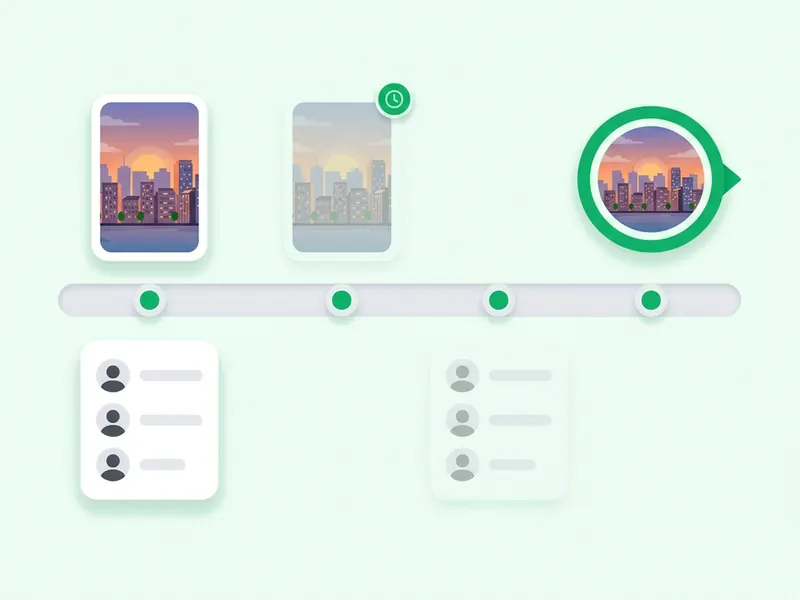
Say you post a story at 9 am on Monday. It leaves your profile at 9 am on Tuesday, and you can see who watched it until 9 am on Wednesday. After that, nobody can see those names, you included.
To check while the window is open:
- Open the highlight on your profile and go to the story.
- Swipe up to see the number of views and the usernames.
- You can also tap Menu, then Archive, open the story and swipe up.
Three details from the same Instagram page:
- Replays count. The view number includes replays, so it can be higher than the number of names.
- Only you see the list. Instagram says only you can look at who has seen your story. A site that promises highlight viewers after 48 hours cannot get a list Instagram itself no longer shows.
- Instagram Plus previews are left out. The viewer list does not include Plus subscribers who previewed your story, so even inside the 48 hours it may not name everyone.
Can people see that you viewed their highlight?
Only during those same 48 hours. If you watch a highlight in the app while signed in and the story is less than 48 hours old, your name can show on its viewer list. If it is older, the owner cannot tell. Most highlight stories are older than two days, but one the owner just added may not be.
The highlights downloader loads the highlight through this site, not through your account, so your name is not added to any viewer list. For screenshots, see whether Instagram notifies a screenshot of a story, and for story views, Can people see if you view their Instagram story?
How to add, edit and remove highlights
These steps come from Instagram's Help Center pages on adding stories to highlights and editing or deleting a highlight, for the iPhone and Android apps.
Create a new highlight
- Tap Profile or your profile picture in the bottom right.
- Tap New. If you don't see it, tap Story highlight.
- Select the story or stories you want, then tap Next.
- Tap Edit cover to choose a cover photo and type a name, then tap Add on an iPhone or Done on Android.
Add a story to a highlight you already have
- While the story is still up, go to your profile and tap your profile picture to open it.
- Tap Highlight in the bottom right of the story. On an iPhone, it may sit under More.
- Choose the highlight.
For an older story, tap and hold the highlight, tap Edit highlight, and pick the story from the Stories tab.
Change the name or cover
Tap the highlight, tap More in the bottom right, then Edit highlight. There you can type a new name, change the cover, untick stories under Selected to take them out, or add more from Stories.
Remove one story from a highlight
- Open the highlight and go to the story.
- Tap More in the bottom right.
- Tap Remove from Highlight, then confirm with Remove on an iPhone or Remove Photo on Android.
To remove a story from every highlight at once, delete it from your archive instead.
Delete a whole highlight
- On your profile, tap and hold the highlight.
- Tap Delete Highlight, then tap Delete again.
To clear out several at once, tap Menu, then Your activity, then Highlights. Tap Select, pick the highlights, then tap Delete and confirm.
Change the order of your highlights
Instagram has no setting to drag highlights into a new order. In practice, the most recently updated highlight tends to show first, so people move one to the front by adding a story to it. Instagram does not document this, so treat it as a workaround that may change.
Save a public highlight before it is gone
A highlight lasts only as long as its owner wants. If it belongs to a public account and you want a copy, use the Instagram highlights downloader:
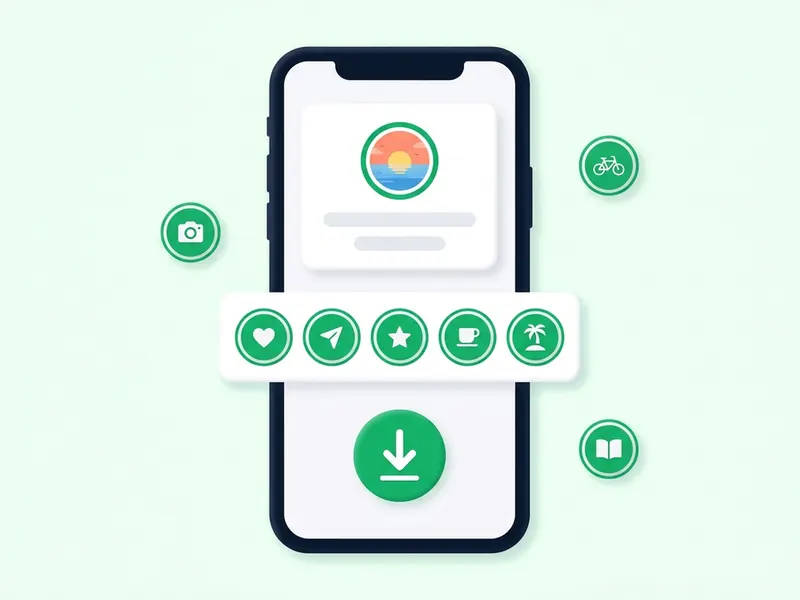
- Copy the highlight link. On the profile, tap the highlight's round cover to open it. Tap the three dots or the paper plane icon and choose Copy link. On a computer, copy the address from the browser bar.
- Paste it and press Download highlight. Every story in the highlight appears, in the order the account arranged them.
- Watch, then save. Save single stories with their own buttons, or press Download all as ZIP to get one file with every story numbered in the order it plays.
Opening a highlight in the app to copy its link is a normal view, so a story under 48 hours old can still show your name. Also worth knowing:
- Public accounts only. A private account's highlights are for the followers its owner approved, and this site does not get around that.
- It needs a highlight link. A username or profile link will not work, because an account can have many highlights. For current stories, type the username into the anonymous story viewer or the story downloader on the home page.
- The files are as Instagram serves them. Photos save as JPG and videos as MP4 with their audio, with no watermark. The cover is not a separate file; it is usually a crop of one of the stories.
- Removed means gone here too. Once the owner removes a highlight, its link stops working on this site as well.
To save a long highlight in one go, see how to download an entire Instagram highlight. If a story will not show up at all, why you can't see an Instagram story goes through the reasons.
FAQ
Do Instagram highlights ever expire?
No. A highlight stays on the profile until the owner deletes it, takes its stories out or deletes them from the archive. Only a normal story, outside a highlight, disappears after 24 hours.
Can I see who viewed my highlights after 48 hours?
No. Instagram shows who viewed a story for 48 hours after it was posted, and a highlight does not extend that. After that, the names are no longer shown to anyone.
Does adding an old story to a highlight restart the 48 hours?
No. The 48 hours count from when the story was first posted, so a story added from your archive later has no viewer list to show.
Can people who don't follow me see my highlights?
If your account is public, yes. If it is private, only the followers you approved can. A story you shared with Close Friends stays limited to that list, even in a highlight.
If I hide my story from someone, can they see my highlights?
They should not. Instagram says only the people allowed to see your story can see your highlights. Some people report a hidden follower could still open an older highlight, so remove any story that person must not see, or block them.
Why did my highlights disappear?
Usually because their stories were deleted, from the highlight or from the archive. Highlights from an account that went private, hid its story from you or blocked you disappear for you too. Rarely, a bug is to blame: in 2024, Meta fixed one that deleted some people's highlights.
Can you see old highlights on Instagram?
Yes. As long as the owner keeps a highlight, you can watch every story in it, however old. If those stories are more than 48 hours old, the owner cannot see that you watched.
Can I download highlights from a private account?
No. The highlights downloader works with public accounts only. A private account's highlights are for the followers its owner approved, and this site does not get around that. Ask the owner for a copy.